Making the Complex Clear: A Scheduling Flow That Got Smarter Over Time
Conversation Design · Product Writing · Analytics
Writing a scheduling flow, diagnosing why it failed, presenting the case for change, and rewriting my way past it.
Role
Product writer, conversation designer, analyst
Partners
Product management, engineering, business stakeholders
Focus
Conversation design, product writing, voice guidelines, success criteria, experiment design, analysis
The Challenge
Lowe's vendors who don't have a Lowe's account often call the store to schedule a delivery appointment. They often had to wait on hold because the store associates are often busy helping other customers. Additionally, associates had to handwrite the details and manually enter them in the system, doubling their workload.
The Opportunity
If vendors could self-serve using the Interactive Voice Response (IVR) phone system to schedule their shipments, this would improve their experience and also allow the associates more time to help customers in the store.
The Approach
I worked closely with the product manager (PM), developer team, and business stakeholders to develop the scheduling experience in the IVR.
Gather Requirements & Understand Tech Capabilities
The PM, developer team, and I met with the business stakeholders to learn what information the vendors needed to provide to schedule an appointment.
We met with the tech team who owned the scheduling API to understand what information the API needed and what it could provide.
Design
I created sample call scripts to visualize the ideal experience and determine the best question order. I wrote prompts that collected business-critical information (vendor name, PO number, delivery details) in the most natural way possible.
Using the scripts, I built out the conversation flow and defined all the edge case paths and error handling. I created a robust scheduling experience that mimicked the back and forth of human scheduling conversations.
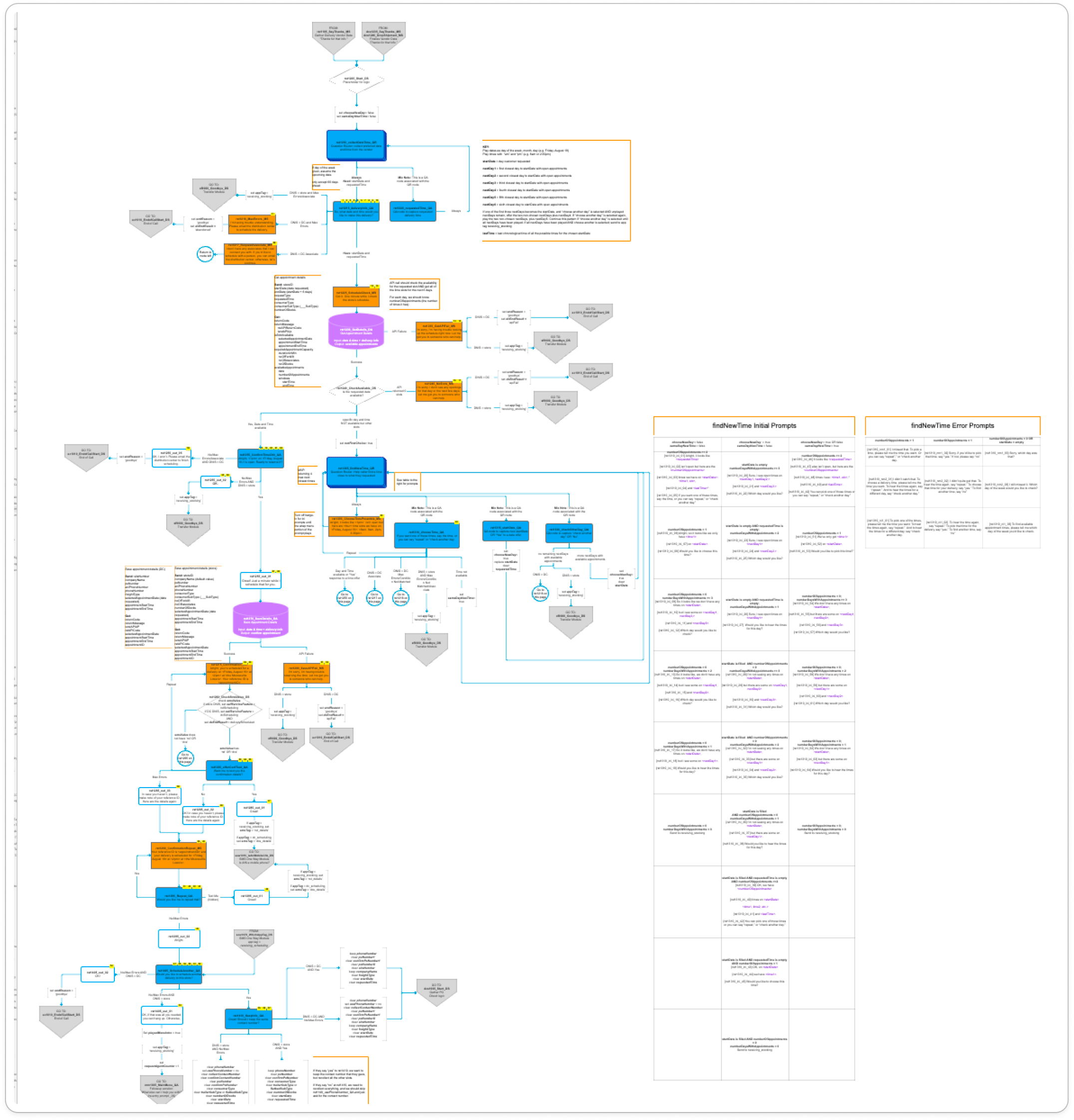
Image blurred to protect data
Iterate
After reviewing the design with the developer team and the PM, I had to scale down my scheduling design as the developer lift was too much for the time that we had.
I also engaged business stakeholders to finalize the design and ensure it met their initial requirements.
Usability Testing
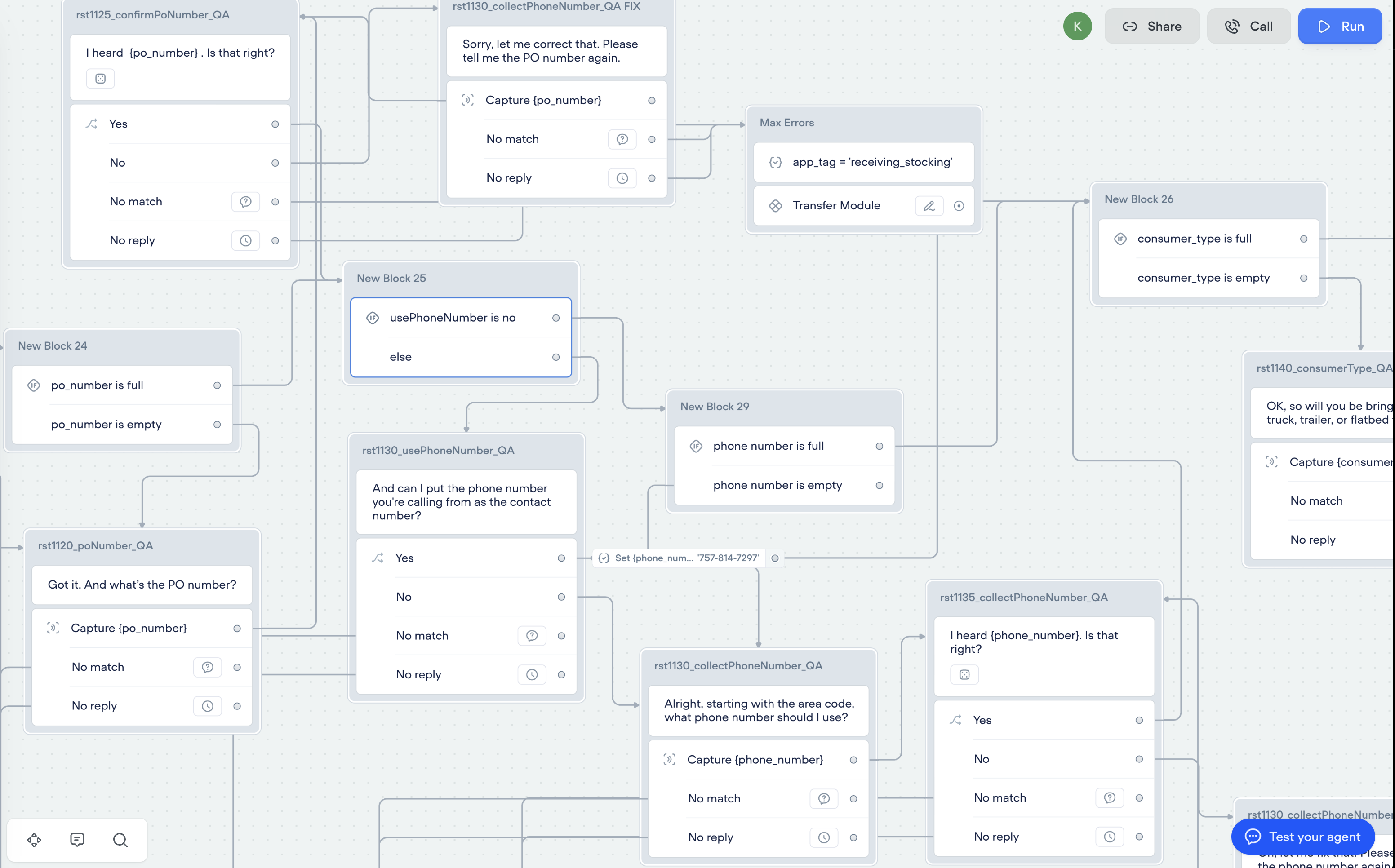
I prototyped the design using Voiceflow and worked with the business partners to recruit vendors to test the prototype. While reviewing the prototype tests, I noted that while the participants struggled a bit with the prototype format, they all knew the answers to the questions.
The Implementation
Our developer team built the experience in our staging environment. After testing with our business partners, we released the new experience to a few pilot stores. We monitored the data and after seeing customers successfully engage with the experience in the pilot stores, we rolled out the experience to all stores.
Further Refinement & Continued Improvements
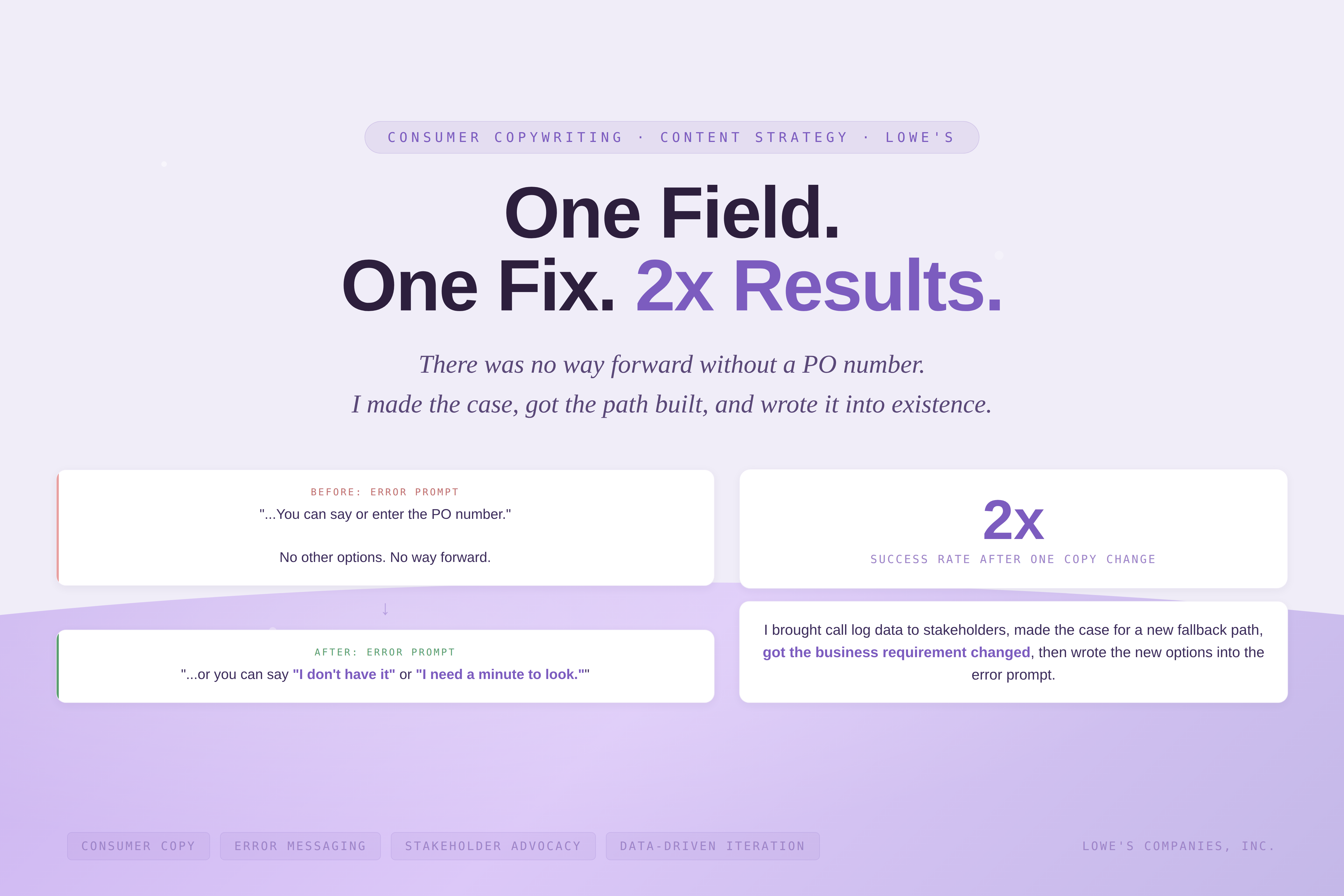
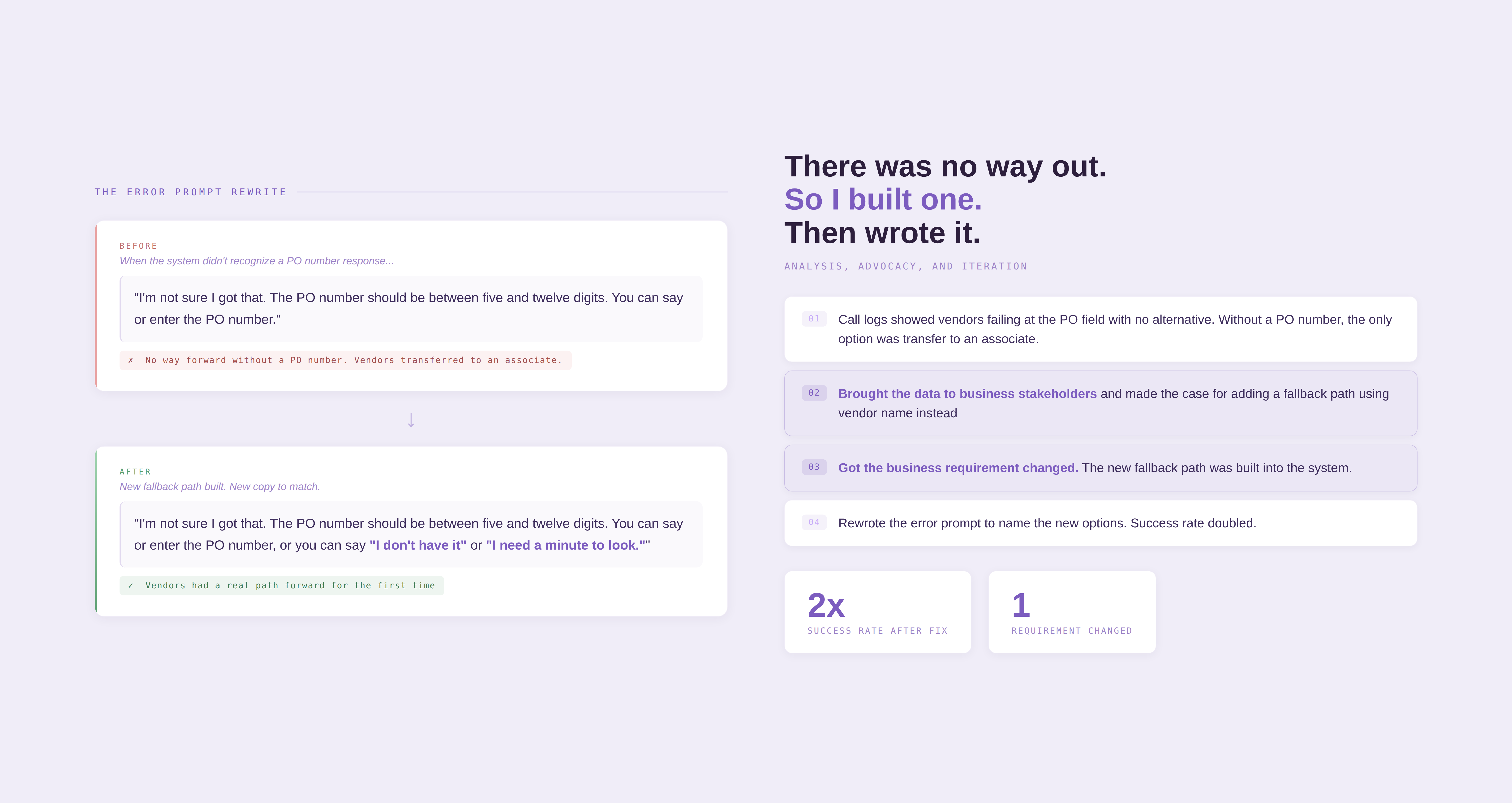
After reviewing call logs, I identified a problem with one of the business requirements: many of the vendors did not know their Purchase Order (PO) number. Because they didn't know it, we had to transfer them to an associate instead of continuing to schedule in the IVR.
I presented the data to our business stakeholders and recommended making the field optional. We collaborated on the fix: if vendors did not know the PO number, we could collect the vendor name instead.
I updated the copy and the flow design, and we saw the success rate double. Most of the vendors could now successfully schedule a delivery in the IVR.